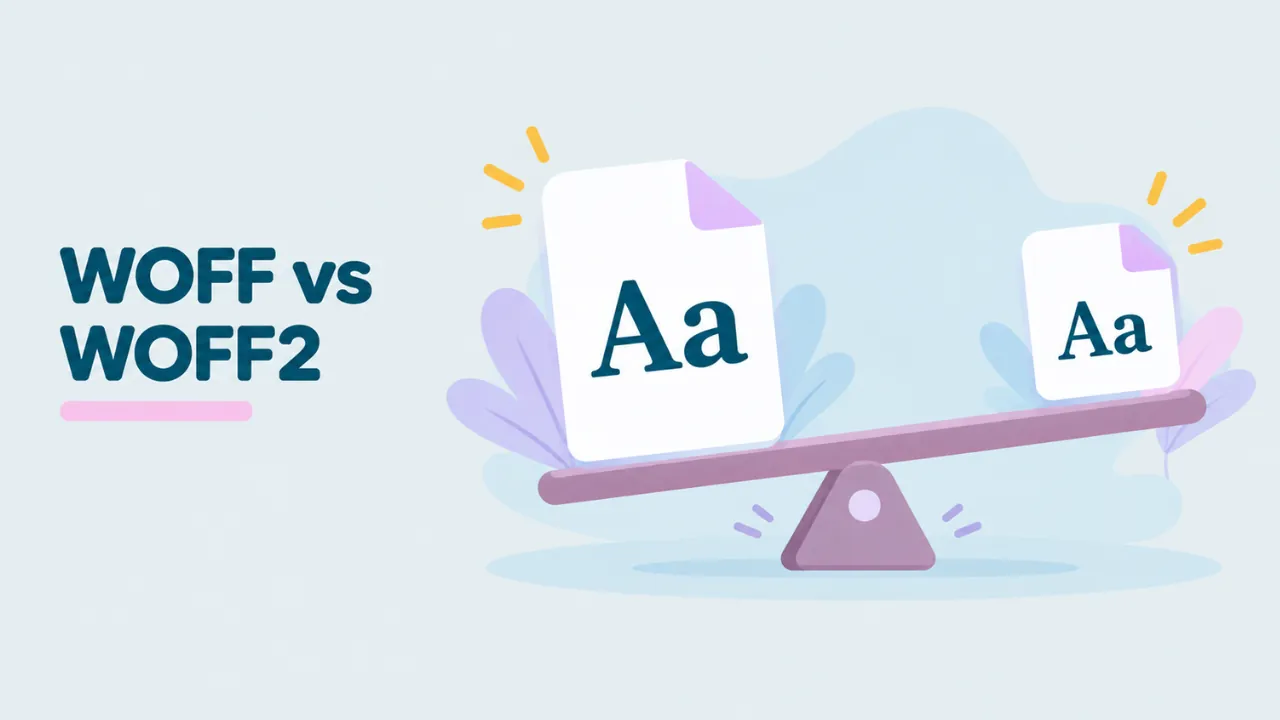
WOFF vs WOFF2: Which One Should You Use?
WOFF and WOFF2 are both web font formats. They sound almost the same, and they do the same job. So what is the difference, and which one should you use? This guide compares WOFF vs WOFF2 in plain words, with real numbers, and ends with a simple answer.
The short answer
For a website today, use WOFF2. It is smaller and every modern browser supports it. Add WOFF only if you must support very old browsers. For your own computer, use neither. Use TTF or OTF.
Now for the details.
What they have in common
Both formats do the same basic thing. They take a normal font, the kind found in TTF and OTF files, and pack it for the web. Both:
- Hold the same font data inside: shapes, spacing, names and characters
- Are open standards from the W3C
- Can carry optional metadata, like license notes
- Are used with the CSS @font-face rule
- Cannot be installed directly on Windows or macOS
So the font you see on screen is the same. The difference is in how tightly it is packed.
The main differences
| WOFF | WOFF2 | |
|---|---|---|
| Full name | Web Open Font Format 1.0 | Web Open Font Format 2.0 |
| W3C standard since | 2012 | 2018 |
| Compression | zlib, one table at a time | Brotli, all tables together |
| Font-aware tricks | None | Rewrites outlines to compress better |
| Average size | Baseline | About 30% smaller than WOFF |
| Speed to unpack | Very fast | Fast, slightly more work |
| Browser support | All browsers since around 2012 | All current browsers |
| File signature | wOFF | wOF2 |
| Converts back to TTF | Byte-for-byte identical | Same font, bytes may differ slightly |
Why WOFF2 is smaller
WOFF2 wins on size for two reasons.
Better compression
WOFF compresses each table in the font on its own, using zlib. That is the same method used in ZIP files. It works, but it cannot find patterns across tables.
WOFF2 uses Brotli, a newer compression method from Google. It also compresses all the tables together as one stream. That lets it find more repeated patterns and squeeze them out.
Font-aware packing
Before compressing, WOFF2 rewrites the glyph outlines into a shorter form that compresses better. It also drops a table that lists where each glyph starts, because that can be worked out again later. Generic compression tools cannot do this, because they do not understand fonts.
Real size examples
Here are some numbers from our own tests, using the same fonts saved in both formats:
| Font | WOFF | WOFF2 | Saving |
|---|---|---|---|
| Poppins Bold (full font) | 69.3 KB | 49.9 KB | About 28% |
| Latin Modern Mono Light (CFF outlines) | 50.1 KB | 44.1 KB | About 12% |
The saving depends on the font. Fonts with TrueType outlines tend to gain the most, because WOFF2’s outline tricks apply to them. Fonts with PostScript (CFF) outlines gain less, since only the Brotli compression helps. You can check any file’s size, and its unpacked size, in the Font information panel of the free WOFF viewer.
Browser support
This used to be the big reason to keep WOFF. It no longer is.
- WOFF works in every browser in use today, and even in Internet Explorer 9 and later.
- WOFF2 works in all current versions of Chrome, Edge, Firefox, Safari, Opera and Samsung Internet. Safari added it with iOS 10 and macOS Sierra in 2016.
Only very old browsers lack WOFF2. For nearly all real visitors, WOFF2 just works.
Which one should your website use?
Most websites: WOFF2 only
If your visitors use modern browsers, which is almost everyone, serve WOFF2 alone. Your CSS stays simple:
@font-face {
  font-family: "MyFont";
  src: url("/fonts/myfont.woff2") format("woff2");
  font-display: swap;
}
Sites that must support very old browsers: WOFF2 then WOFF
List WOFF2 first. Browsers pick the first format they understand, so modern ones take WOFF2 and old ones fall back to WOFF:
@font-face {
  font-family: "MyFont";
  src: url("/fonts/myfont.woff2") format("woff2"),
       url("/fonts/myfont.woff") format("woff");
}
Visitors only ever download one of the two files, so adding WOFF as a backup does not slow anyone down.
Never: TTF on the web
You can serve TTF files on the web, but they are much bigger. There is no reason to do it today.
How much does font size really matter?
A few kilobytes may not sound like much. But fonts are special, because they can hold up your text.
When a page loads, the browser finds the @font-face rule and starts downloading the font. Until it arrives, the browser has two choices. It can hide the text and wait, or show the text in a backup font and swap later. Either way, a slow font makes the page feel slow. Visitors see blank space or text that jumps when the real font appears.
Smaller font files arrive sooner, so that awkward moment is shorter. On a fast office connection, the difference between WOFF and WOFF2 is tiny. On a weak mobile signal, it can be noticeable. And if your page loads four or five font files, the savings add up.
The CSS setting font-display: swap helps too. It tells the browser to show the backup font right away and swap in your font when it is ready. Visitors can start reading at once.
Subsetting matters more than the format
Switching from WOFF to WOFF2 saves around 30%. Removing characters you do not need can save far more. A font that covers Latin, Cyrillic, Greek and Vietnamese may be three or four times the size of a Latin-only version.
So if you want the fastest fonts, do both:
- Keep only the characters your site needs.
- Save the result as WOFF2.
Google Fonts does exactly this. It splits each font into language slices and serves them as WOFF2. That is also why a WOFF2 file saved from a Google Fonts page often lacks letters. See why WOFF fonts show boxes for more.
Which one should you use on your computer?
Neither. Windows and macOS install TTF and OTF fonts, not WOFF or WOFF2. If you have a web font and want to use it in Word or Photoshop, convert it first. The free converter handles both formats. See how to convert WOFF to TTF and how to convert WOFF2 to TTF.
Try it: Open a WOFF or WOFF2 file and compare its size before and after unpacking.
Does WOFF2 look any different?
No. The letters are drawn from exactly the same outlines. Spacing, kerning and hinting are the same too. A visitor cannot tell which format a page used. The only difference is how fast the font arrives.
Should you convert your old WOFF files to WOFF2?
If your website still serves only WOFF, yes, it is worth switching. You will save data on every page view. The best way is to go back to the original TTF or OTF and create WOFF2 from it. If you only have the WOFF, you can convert WOFF to TTF first, then TTF to WOFF2. Since WOFF is lossless, nothing is lost along the way.
Tools that create WOFF2 files include fontTools (Python), Google’s woff2 tools and most font editors. Check the font license first. Some web font licenses name the exact files you may use.
A quick decision guide
Still unsure? Answer these questions in order.
- Is the font for a website? If no, you need TTF or OTF, not WOFF or WOFF2.
- Do you have to support Internet Explorer or other very old browsers? If no, use WOFF2 only.
- If yes, list WOFF2 first and WOFF second in your @font-face rule.
- Are your fonts larger than about 100 KB each? If yes, look at subsetting before anything else.
That covers almost every real situation.
How to tell which format a file is
- Look at the extension: .woff or .woff2.
- If the extension is missing or wrong, open the file in a text editor. WOFF starts with wOFF. WOFF2 starts with wOF2.
- Or drop it into the viewer. The badge next to the file name shows WOFF or WOFF2.
Common questions
Is WOFF deprecated?
No. It is still a valid W3C standard and every browser still supports it. It is just less needed now that WOFF2 is everywhere.
Is WOFF2 always smaller than WOFF?
Almost always. The saving varies from a few percent to over 30%, depending on the font.
Can a WOFF2 file hold a variable font?
Yes. Both WOFF and WOFF2 can hold variable fonts. WOFF2 is the usual choice because variable fonts can be large.
Are WOFF2 files harder to open?
For people, no. A browser viewer opens both. For software, WOFF2 needs a bit more work to unpack. If you want to see one now, read how to open a WOFF2 file.
Where can I learn more about each format?
We have separate guides on what a WOFF file is and what a WOFF2 file is.
Summary
WOFF and WOFF2 hold the same fonts. WOFF2 packs them tighter, using Brotli and font-aware tricks, so files are about 30% smaller on average. Every modern browser supports WOFF2, so use it for your website, with WOFF only as an optional backup. On your computer, convert either one to TTF or OTF before installing.




One Comment