
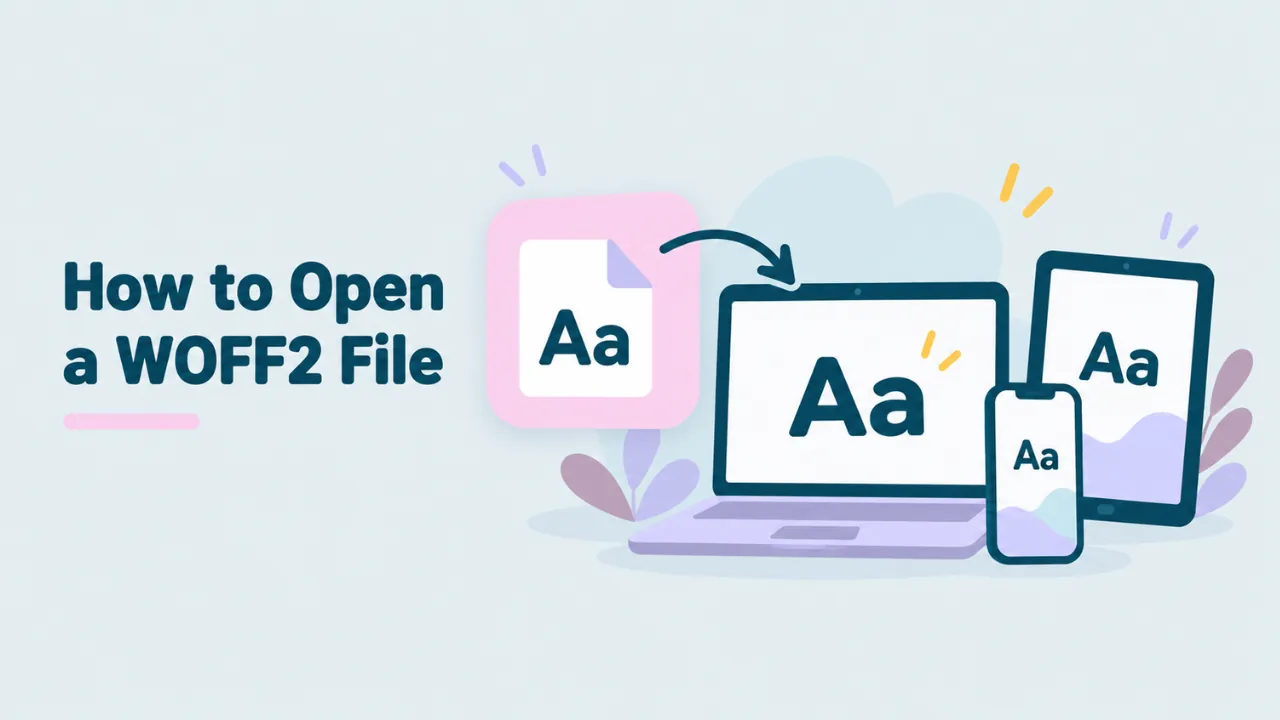
How to Open a WOFF2 File on Any Device
You found a file that ends in .woff2. You double-click it and nothing useful happens. Maybe Windows asks which app to use. Maybe your Mac shows a blank icon. This guide shows you how to open a WOFF2 file in under a minute, on any device, without installing anything.
What a WOFF2 file is
WOFF2 stands for Web Open Font Format 2. It is a font made for websites. When you visit a site with a custom font, your browser often downloads a WOFF2 file in the background and uses it to draw the text.
Inside, a WOFF2 file holds a normal font. It is the same kind of font you would find in a TTF or OTF file. The difference is that it is packed very tightly so web pages load faster. That packing is the reason your computer does not know what to do with it. Desktop font tools expect an unpacked TTF or OTF file. If you want the full story, read our guide on what a WOFF2 file is.
The fastest way to open a WOFF2 file
The quickest way is to use a browser tool that can unpack the file for you. Our free WOFF2 viewer does this in your browser. Your file is not uploaded anywhere.
- Open openwofffile.com in Chrome, Edge, Firefox or Safari.
- Drag your WOFF2 file onto the pink box, or click “Choose font file”.
- Wait a second while the page reads the font.
- Look at the preview. Click the sample text and type your own words.
- Scroll down to see the font name, style, version and license.
- Scroll further to see every glyph in the file.
The first WOFF2 file you open takes a little longer. The page loads a small WOFF2 reader the first time it needs one. After that, files open fast.
Try it: Drop your WOFF2 file into the free viewer and see it right away.
What you can see once the file is open
Most people open a WOFF2 file to answer one of three questions. What does this font look like? What is it called? Does it have the characters I need? The viewer answers all three.
The font preview
You get a full sentence in the font. You can type anything you like into it. Three buttons switch to the full alphabet, or to numbers and symbols. A slider makes the text bigger or smaller. Below the preview, you see the font at four sizes: 14, 20, 28 and 40 pixels. That shows how it looks as body text and as a heading.
The font details
The info panel reads the name data stored inside the font. It shows the family name, like Poppins. It shows the style, like Bold or Italic. It also shows the full name, the PostScript name, the version, the designer and the license, if the font lists them. Web font files often have random names like a7f3.woff2, so this is the only reliable way to learn the real name. We explain this step by step in how to find the font name inside a WOFF2 file.
The glyphs
A glyph is one drawn shape in a font. It can be a letter, a number, an accent or an icon. The glyph grid shows each one with its Unicode code. Click a glyph to copy it. If the file is an icon font, this is where you see all the icons. Our guide on viewing icons in a WOFF file covers that in detail.
How to open a WOFF2 file on Windows
Windows cannot open WOFF2 files on its own. Windows Font Viewer only handles TTF, OTF and a few older types. Here is what works:
- Open Edge or Chrome and go to the WOFF2 viewer.
- Drag the file from File Explorer onto the pink box.
- To install the font, click “Convert & download”. You get a TTF or OTF file.
- Right-click the new file and choose Install.
There is a full walkthrough in our guide to opening WOFF2 files on Windows.
How to open a WOFF2 file on a Mac
Font Book on macOS is built for TTF and OTF. It will not install a WOFF2 file. Open the file in Safari, Chrome or Firefox using the viewer instead. If you want to use the font in Pages, Keynote or Adobe apps, convert it first. Then double-click the new TTF or OTF file and click Install. See how to open WOFF fonts on a Mac for more tips.
How to open a WOFF2 file on a phone
Phones have almost no built-in way to look at font files. A browser tool is your best option.
On Android, open Chrome, go to the viewer and tap the pink box. Pick the WOFF2 file from Downloads or Files.
On iPhone or iPad, open Safari, go to the viewer and tap the pink box. Choose “Browse” and pick the file from the Files app.
Keep in mind that phones do not let you install fonts across the whole system. You can view and test the font on your phone. To use it in a design, move it to a computer.
How to turn a WOFF2 file into a font you can install
If you want to type with the font in Word, Photoshop or any other app, you need a TTF or OTF file. The viewer can make one for you.
- Open the WOFF2 file in the viewer.
- Click “Convert & download .ttf” (or .otf).
- Open your Downloads folder and install the new file.
The tool picks the right format for you. A font with TrueType outlines becomes a TTF. A font with PostScript outlines becomes an OTF. The shapes, spacing and names stay the same. Our WOFF2 to TTF guide explains the details.
Before you install: check the license in the info panel. A font you found on a website is not always free to use in your own work.
Other ways to open WOFF2 files
The browser viewer is the simplest option, but there are others. Each one fits a different need.
| Tool | Good for | Cost |
|---|---|---|
| Open WOFF File (this site) | Quick look, font name, glyphs, convert to TTF | Free |
| FontForge | Editing glyphs and saving in other formats | Free |
| fontTools (Python) | Batch work and scripts | Free |
| Browser developer tools | Finding the WOFF2 files a website loads | Free |
FontForge is a free font editor for Windows, Mac and Linux. Recent versions can open WOFF2 files and save them as TTF or OTF. It is powerful but takes time to learn. If you want to change the font itself, see how to edit a WOFF file.
fontTools is a Python library used by font makers. It can read and write WOFF2 files from the command line. It is great for developers but too much for a quick look.
For a longer list, read what app opens WOFF2 files.
Why your WOFF2 file will not open
Sometimes the file will not open, even in the viewer. These are the usual reasons.
It is not really a font
This happens a lot when you save a font from a website. The site sends back an error page instead of the font, and it gets saved with the .woff2 name. Open the file in Notepad or TextEdit. If you see HTML tags, it is a web page. A real WOFF2 file starts with the letters wOF2.
The file is cut off
If a download stopped halfway, the file is damaged. Download it again and check that the size looks right. Most web fonts are between 10 KB and 300 KB.
The browser is very old
The viewer needs a modern browser. Update Chrome, Edge, Firefox or Safari and try again.
For more fixes, read can’t open a WOFF font.
WOFF2 vs WOFF: does it matter?
WOFF2 is the newer version of WOFF. It uses better compression, so files are about 30% smaller on average. Both open the same way in the viewer, and both convert to TTF or OTF. If you build websites, WOFF2 is the one to use today. Our WOFF vs WOFF2 comparison covers when each one makes sense.
Is it safe to open WOFF2 files online?
Most online file tools upload your file to their server. Our viewer does not. The page loads a small program into your browser, and your browser does the work. Your font never leaves your device. You can test this yourself. Load the page, open one WOFF2 file so the reader loads, then turn off Wi-Fi and open another. It still works.
This matters if you work with paid fonts or client files. There is nothing to leak, because the file is never sent anywhere.
Frequently asked questions
Can I open a WOFF2 file without software?
Yes. Any modern web browser can read WOFF2 files. Use a browser-based viewer like openwofffile.com to see the font, its details and its glyphs.
Can I install a WOFF2 font directly?
No. Windows and macOS install TTF and OTF fonts. Convert the WOFF2 file first, then install the TTF or OTF file.
Why is my WOFF2 file so small?
WOFF2 uses strong compression made for fonts. Many web fonts are also cut down to one language, which makes them even smaller.
Is WOFF2 the same as TTF?
Not quite. A WOFF2 file holds TTF or OTF font data, but it is packed for the web. Unpack it and you get the TTF or OTF back.
The short version
To open a WOFF2 file, use a browser tool. Drop the file into the free WOFF2 viewer, look at the preview and details, and convert it to TTF if you want to install it. It works on Windows, Mac, Android and iPhone, and your file stays on your device.



2 Comments