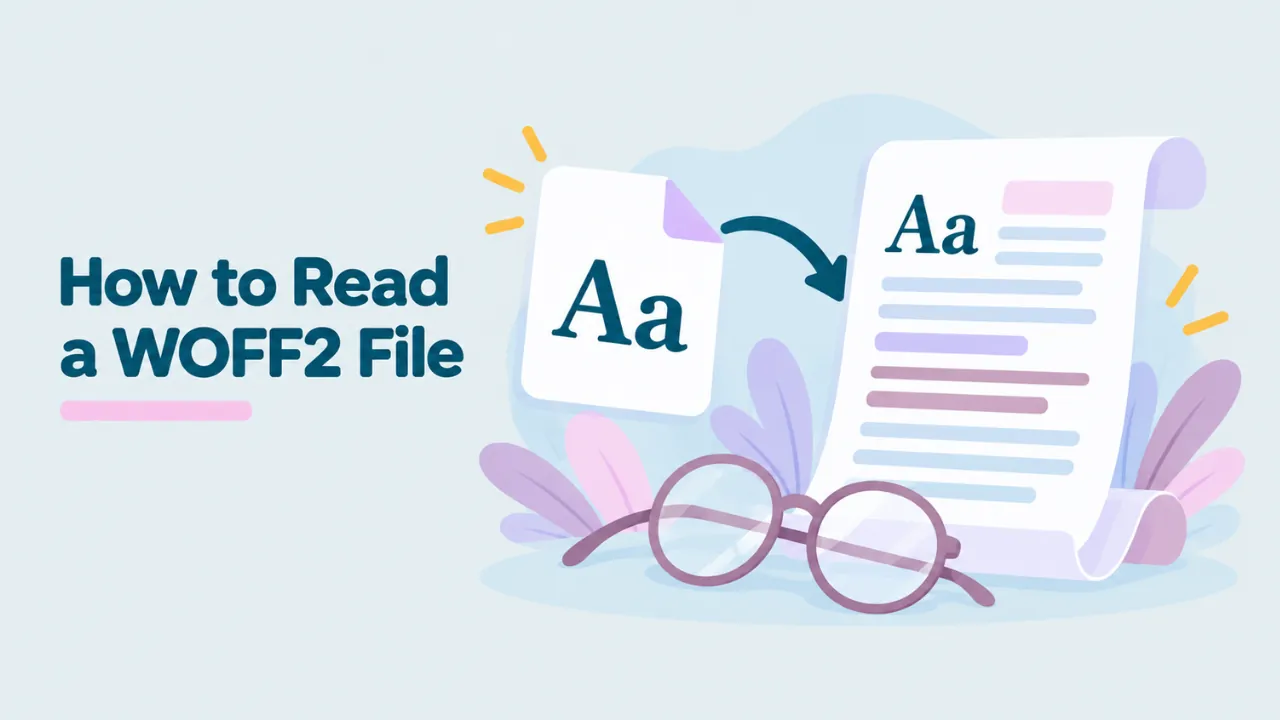
How to Read a WOFF2 File
Open a WOFF2 file in a text editor and you get a wall of strange symbols. That is because WOFF2 is compressed binary data, not text. But there are good ways to read a WOFF2 file, whether you want to see the font, learn its details or look at the raw data in a readable form. This guide covers all three, from easy to technical.
Why WOFF2 looks like gibberish
A WOFF2 file holds a font, packed with Brotli compression. Compressed data looks random on purpose. That is what makes it small. Even the uncompressed font inside is binary, not text. It is a set of tables full of numbers that describe shapes, spacing and names.
So “reading” a WOFF2 file can mean three different things:
- Seeing the font, as letters on screen.
- Reading its details, like the name, style, version and license.
- Reading its data, turned into text you can study or edit.
Pick the level you need below.
Level 1: See the font
The simplest way to read a WOFF2 file is to look at it. A browser-based viewer shows the font as real text.
- Go to openwofffile.com.
- Drop the WOFF2 file on the pink box.
- Wait a moment while the WOFF2 reader loads.
- Type in the preview box to see any text in the font.
You also get the font at four sizes, so you can judge how it reads as body text and as a heading. Nothing is uploaded. Your browser does the reading.
Try it: Drop your WOFF2 file in and read it as real text.
Level 2: Read the font’s details
Scroll down in the viewer to the Font information panel. It reads the most useful parts of the font and shows them in plain words:
| Field | What it tells you |
|---|---|
| File format | WOFF2, plus whether it has TrueType or PostScript outlines |
| File size | How big the WOFF2 is |
| Uncompressed size | How big the font is once unpacked |
| Font family | The main name, like Inter |
| Style | Regular, Bold, Italic and so on |
| Full name and PostScript name | Other names apps use |
| Version | Which release of the font |
| Designer and foundry | Who made it |
| Glyph count | How many characters and symbols it has |
| Units per em, ascender, descender | Technical sizing values |
| Copyright and license | Who owns it and how you may use it |
For more on the name fields, read how to find the font name inside a WOFF2 file. For the weight, see how to check the font weight of a WOFF file.
Reading the glyphs
Further down, the Glyphs grid shows every shape in the font with its Unicode code. This is how you read what characters the font covers. If it is an icon font, you will see all the icons here. See how to view icons in a WOFF file for tips.
Level 3: Turn WOFF2 into readable text
If you want to see everything inside the font, you can convert it to XML. XML is a text format you can open in any editor. The free fontTools library does this with a command called ttx.
Install fontTools
You need Python on your computer. Then run:
pip install fonttools brotliThe brotli package lets fontTools read WOFF2.
Dump the whole font
ttx myfont.woff2This creates myfont.ttx next to the original. Open it in a text editor like VS Code, Notepad++ or TextEdit. You will see each part of the font as readable XML.
Dump just one table
Full dumps can be huge, especially for big fonts. You can pick one table:
ttx -t name myfont.woff2
ttx -t OS/2 myfont.woff2
ttx -t cmap myfont.woff2
Or list the tables without dumping them:
ttx -l myfont.woff2What the main tables mean
When you read a font’s XML, you will meet these tables most often. Each has a four-letter name.
| Table | What it holds |
|---|---|
| head | Basic settings, like units per em and creation date |
| name | All the names: family, style, designer, license |
| OS/2 | Weight, width, spacing values and Windows settings |
| cmap | Which character code maps to which glyph |
| glyf | The shapes of the glyphs (TrueType fonts) |
| CFF | The shapes of the glyphs (PostScript fonts) |
| hmtx | How wide each glyph is |
| kern or GPOS | Spacing between letter pairs, and positioning |
| GSUB | Swaps, like ligatures and alternate letters |
| post | Glyph names and some printing info |
You do not need to understand them all. The name table is the most useful for most people. The cmap tells you which characters exist. The OS/2 table holds the exact weight number.
Reading the license the right way
The license is the part of a font most people skip, and the part that matters most if you plan to reuse it. In the viewer, you may see up to three fields:
- Copyright says who owns the font, for example “Copyright 2020 The Inter Project Authors”.
- License gives a short description, such as “This Font Software is licensed under the SIL Open Font License, Version 1.1”.
- License URL points to the full terms online.
If all three are empty, the font maker did not fill them in. That does not mean the font is free. It only means the file does not tell you. Search for the font name and check the maker’s website.
Reading the character map to check languages
The cmap table lists every character code the font supports. In XML, each line looks like a code and a glyph name. That is precise, but hard to scan. The glyph grid in the viewer is easier. Scroll through it and look for the letters of your language.
A quick shortcut: type a test sentence in the viewer’s preview box. For French, try “Ça coûte très cher à Noël”. For German, try “Größe, Übung, Äpfel”. For Polish, try “Zażółć gęślą jaźń”. Any box in the preview means that letter is missing.
Reading the WOFF2 wrapper itself
If you are curious about the WOFF2 format rather than the font, you can look at the header. Open the file in a hex editor, which shows raw bytes. The first four bytes spell wOF2. Next comes the “flavor”, which says what kind of font is inside. It reads 00 01 00 00 for TrueType outlines, or OTTO for PostScript outlines. After that come the file length, the table count and other sizes.
This level of reading is useful for debugging. For example, if a file does not start with wOF2, it is not a real WOFF2 file. It may be an HTML error page saved with a font name.
Can I read the text written in a WOFF2 file?
This is a common question, and the answer surprises people. A font file does not contain the text of a web page. It only contains the shapes of letters. So you cannot read a website’s content from its WOFF2 files. You can only read which letters the font can draw.
What you can read is the text the font maker wrote into it: names, version, copyright and license. Those are in the name table.
Reading WOFF2 files on a phone
You cannot run fontTools on most phones, but you can still read the useful parts. Open the viewer in Chrome on Android or Safari on iPhone and pick the file. The preview, Font information and Glyphs grid all work on a small screen.
Common problems
The file will not open
Check the first four letters in a text editor. If they are not wOF2, the file is not a WOFF2 font. If they are, the file may be cut off. Download it again. More fixes are in can’t open a WOFF font.
ttx says brotli is missing
Install it with pip install brotli, then try again. fontTools needs it for WOFF2.
The XML file is enormous
Fonts with thousands of glyphs make large dumps. Use the -t option to dump only the tables you need.
Common questions
Can I edit the XML and turn it back into a font?
Yes. Change the .ttx file, then run ttx --flavor woff2 myfont.ttx to build a new WOFF2. Check the license first, because some fonts forbid changes. See how to edit a WOFF file.
Can I read a WOFF2 file without Python?
Yes. For the preview, names, license and glyphs, the viewer is enough. You only need fontTools if you want every table as raw data. FontForge is another option. It shows most font settings in its Font Info window.
Is reading a font file legal?
Looking at a font you have is fine. Using it, sharing it or changing it depends on its license.
What is the easiest way to read a WOFF2 file?
A browser viewer. It shows the font, its details and its glyphs without installing anything. For more ways to open WOFF2, see how to open a WOFF2 file.
Summary
You cannot read a WOFF2 file in a text editor, because it is compressed binary data. To see the font and its details, drop it into a free WOFF2 viewer. To read every table as text, use fontTools and the ttx command. Either way, you will know exactly what is inside the file.