How to Convert WOFF2 to TTF
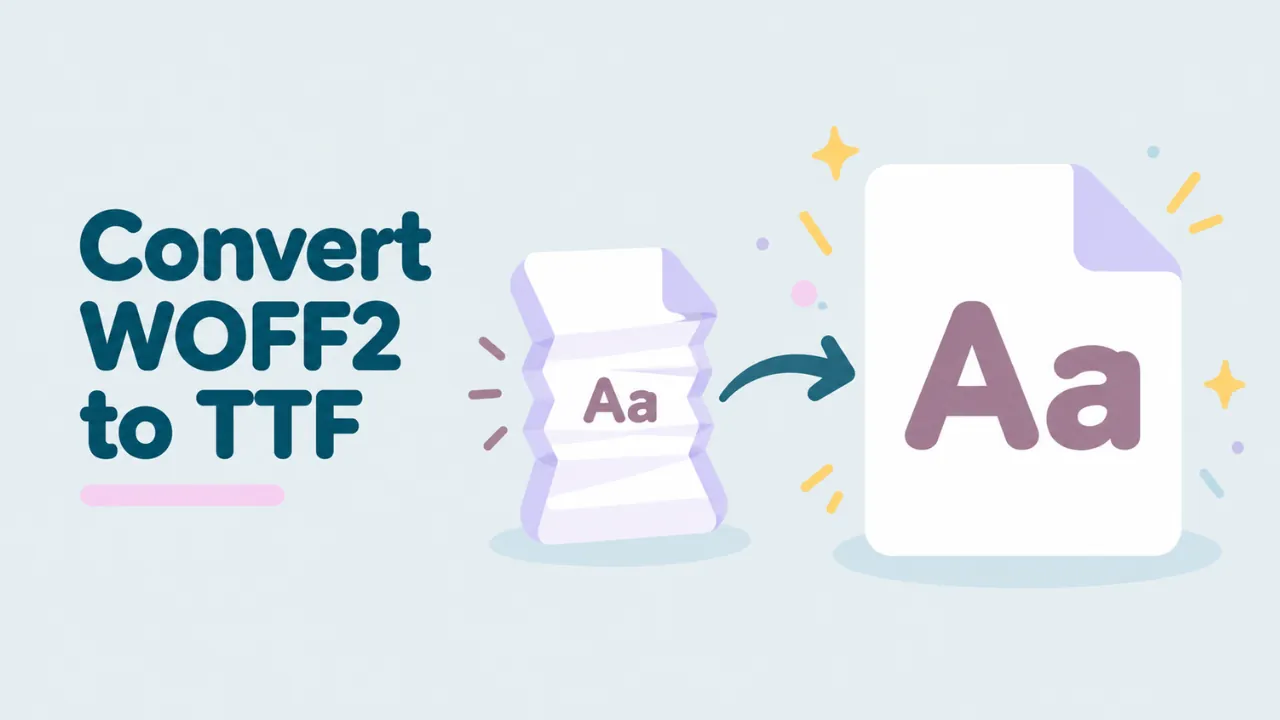
WOFF2 is the most common font format on the web today. It is small and fast, which is great for websites. It is not great if you want to use the font in Word, Photoshop or any other app on your computer. For that, you need to convert WOFF2 to TTF. This guide shows you how, for free, without uploading your font.
Why WOFF2 needs converting
A WOFF2 file holds a normal font inside. But it packs that font in a very clever way. It uses Brotli compression, and it also restructures parts of the font to make them smaller. That is why WOFF2 files are about 30% smaller than WOFF files on average.
Your computer does not unpack any of this. Windows and macOS only install TTF and OTF fonts. So you must turn the WOFF2 back into a TTF (or OTF) first.
If you want to know more about the format itself, read what a WOFF2 file is.
Convert WOFF2 to TTF in your browser
Our free WOFF2 to TTF converter does the whole job in your browser. The file never leaves your device.
- Open openwofffile.com.
- Drop your WOFF2 file on the pink box.
- Wait a moment. The first WOFF2 file takes a little longer because the page loads its WOFF2 reader.
- Look at the preview and the details to make sure it is the right font.
- Click “Convert & download .ttf”.
- Find the TTF in your Downloads folder.
The converter is free, needs no sign-up and has no daily limit.
Try it: Drop your WOFF2 file in and get a TTF in seconds.
Will I get TTF or OTF?
WOFF2 files can hold two kinds of outlines:
- TrueType outlines become a .ttf file.
- PostScript (CFF) outlines become an .otf file.
The converter checks this for you and labels the button. Both TTF and OTF install the same way on Windows and Mac, so either one is fine. The viewer shows which type you have in the File format box, for example “WOFF2 (TrueType outlines)”.
Is the converted font identical to the original?
For all practical purposes, yes. Here is the honest detail.
With plain WOFF, conversion gives back a byte-for-byte copy of the original font. WOFF2 is a bit different. To save space, WOFF2 rebuilds some parts of the font when it is unpacked, mainly the tables that store TrueType glyph outlines. So the TTF you get back may not be a byte-for-byte match with the file the designer made.
What matters is that the font itself is the same:
| What you care about | After WOFF2 to TTF |
|---|---|
| Letter and icon shapes | Same |
| Character set | Same |
| Spacing and kerning | Same |
| Font name and style | Same |
| License text | Same |
| Exact bytes of the file | May differ slightly |
We tested this with several fonts. Every glyph outline, every character mapping and every name came through unchanged.
What happens during the conversion
You do not need to know this to convert a font, but it explains why WOFF2 takes a moment longer than WOFF.
When a WOFF2 file is made, three things happen to the font. First, some tables are rewritten in a shorter form. The biggest change is to the glyph outlines. The points of each letter are stored in a way that compresses better. Second, the table that tells the font where each letter starts is dropped entirely, because it can be worked out again later. Third, all the font data is squeezed together with Brotli, a strong compression method made by Google.
Converting back does the same steps in reverse. The data is unpacked, the glyph outlines are put back in the normal TrueType layout, and the missing table is rebuilt. The result is a standard TTF that any system can install.
Convert a whole font family
Websites usually load several WOFF2 files from one family. You might have Regular, Italic, Bold and Bold Italic, each in its own file. Convert them one at a time:
- Open the first file in the converter and note its Style.
- Click Convert and save the TTF.
- Click “Open another” and repeat for each file.
- Install all the TTF files together.
Apps will group them under one family name. The Bold and Italic buttons in Word and Google Docs will then use the real Bold and Italic designs, not fake ones.
Converting on a phone
The converter also works on phones. Open it in Chrome on Android or Safari on iPhone, tap the pink box and pick the WOFF2 file. The TTF saves to your Downloads or Files app. Phones cannot install fonts system-wide, but you can send the TTF to your computer by email, cloud storage or a cable.
Install the TTF
Windows
- Right-click the TTF in your Downloads folder.
- Click “Install” or “Install for all users”.
- Restart the app where you want to use the font.
On Windows 11, click “Show more options” if Install is missing from the menu. More help is in how to install a WOFF font on Windows.
Mac
- Double-click the TTF.
- Click Install in Font Book.
See how to open WOFF fonts on a Mac for more Mac tips.
Other ways to convert WOFF2 to TTF
fontTools
fontTools is a free Python library. It can decompress WOFF2 from the command line, which is handy for many files.
pip install fonttools brotli
fonttools ttLib.woff2 decompress myfont.woff2
This writes myfont.ttf (or .otf) next to the original. The brotli package is required for WOFF2.
Google’s woff2 tools
Google publishes small command-line programs called woff2_compress and woff2_decompress. They are the reference tools for the format. You usually need to build them from source, so they suit developers more than casual users.
FontForge
Recent FontForge builds open WOFF2 files. Open the file, then use File, Generate Fonts and choose TrueType. This is useful if you also want to edit the font. See how to edit a WOFF file.
Before you convert: three quick checks
Web fonts are often not complete fonts. Check these in the viewer first.
- Characters. Type your text in the preview. Boxes mean missing characters. Many WOFF2 files hold only one language. See why WOFF fonts show boxes.
- Weight and style. The Style field tells you if it is Regular, Bold, Italic and so on. You might need several files for a full family. Our guide on checking the font weight helps here.
- License. The License field tells you what you may do with the font.
Why not just download the TTF from the source?
Sometimes you can, and it is better. If the viewer shows the font is a free Google Font, go to Google Fonts and download it. You get the full character set and every weight. Converting a WOFF2 slice from a website only gives you what that site used.
Use the converter when:
- You cannot find the original font.
- You have a WOFF2 file from your own project and need a desktop copy.
- You want a quick look in an app before deciding to buy the full font.
Troubleshooting
The WOFF2 file will not open
Check that it is really a font. Open it in Notepad or TextEdit. A real WOFF2 file starts with the letters wOF2. If you see HTML code, the website sent a web page instead of the font. Our guide on fixes for WOFF fonts that will not open lists more causes.
The Convert button does not appear
The page may still be loading its WOFF2 reader. Wait a moment. If it still does not appear, check your internet connection and reload the page. The reader downloads the first time you open a WOFF2 file.
Windows rejects the TTF
Very heavily cut-down web fonts sometimes miss data that Windows expects. Try another source for the same font. If you only need to look at it, the viewer is enough.
The TTF is much bigger than the WOFF2
That is normal. WOFF2 compresses the font very well. A 50 KB WOFF2 file can easily become a 150 KB TTF. Size on your computer does not matter much.
Common questions
Is WOFF2 to TTF conversion free?
Yes, with no limits and no sign-up.
Is my font uploaded?
No. The conversion runs in your browser. Your font never leaves your device.
Can I convert WOFF2 to OTF instead?
If the font has PostScript outlines, you will get an OTF automatically. If it has TrueType outlines, you get a TTF. Both work the same on your computer.
What is the difference between WOFF and WOFF2 conversion?
Both give you a working TTF or OTF. WOFF conversion gives back a byte-for-byte copy. WOFF2 rebuilds some parts, so the bytes can differ, but the font is the same. Read WOFF vs WOFF2 for more on the two formats.
Summary
To convert WOFF2 to TTF, drop the file into a browser-based converter, click “Convert & download” and install the result. The letters, spacing and names stay the same. Check the characters and the license first, and if the font is free, consider downloading the full version from its source.