How to Convert WOFF to OTF
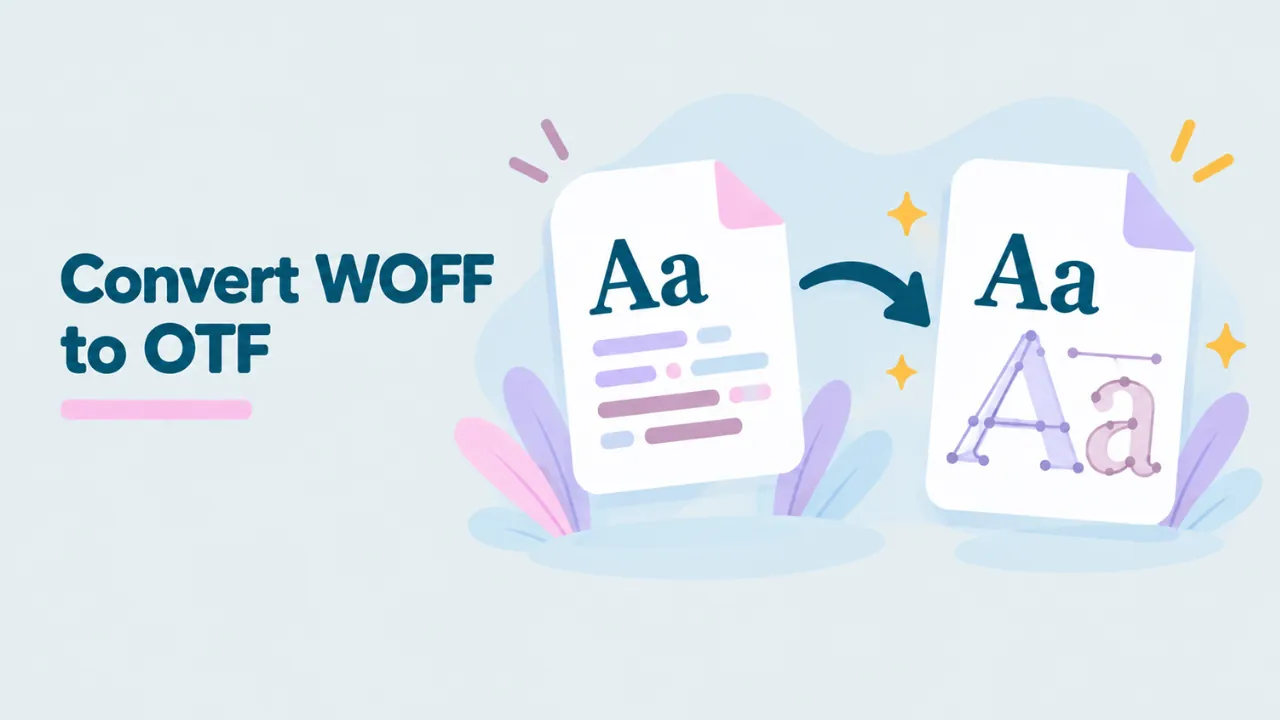
You want to convert a WOFF font to OTF, but the converter gives you a TTF instead. Or you are not sure whether you need OTF or TTF at all. This guide explains how to convert WOFF to OTF, why some fonts come out as TTF, and when the difference actually matters.
The short answer
- If your WOFF font has PostScript (CFF) outlines, converting gives you a true OTF.
- If your WOFF font has TrueType outlines, converting gives you a TTF.
- For installing and using the font on Windows or Mac, both work the same.
So in most cases, you do not need to force OTF. You need a desktop font, and either format will do.
TTF vs OTF in plain words
Both TTF and OTF are desktop font formats. Both install on Windows and macOS. The main difference is how the letter shapes are described.
| TTF | OTF (CFF) | |
|---|---|---|
| Outline type | TrueType, quadratic curves | PostScript, cubic curves |
| Common with | System fonts, many web fonts | Professional print fonts |
| Hinting | TrueType hinting, can be detailed | PostScript hints, simpler |
| Install on Windows and Mac | Yes | Yes |
| Advanced features like ligatures | Yes | Yes |
A lot of confusion comes from the name “OpenType”. OpenType is the overall standard. An OpenType font can hold either TrueType or PostScript outlines. Fonts with TrueType outlines usually use the .ttf extension. Fonts with PostScript outlines use .otf. Both can have the same advanced features.
How to convert WOFF to OTF
Our free WOFF converter checks the outlines inside your font and gives you the right format automatically.
- Go to openwofffile.com.
- Drop your WOFF or WOFF2 file on the pink box.
- Look at the File format box in Font information. It says “TrueType outlines” or “PostScript/CFF outlines”.
- Click the Convert button. It says .otf for CFF fonts and .ttf for TrueType fonts.
- The file saves to your Downloads folder.
Your font is not uploaded. The conversion runs in your browser.
Try it: Drop your WOFF file in to see its outline type and convert it.
Why the converter does not just give you OTF
Converting WOFF to OTF when the font has TrueType outlines would mean redrawing every letter in a different curve system. That is possible, but it is not a simple unpack. It changes the font. It can alter hinting, and it can create tiny differences in curves.
Unpacking to TTF, on the other hand, gives you the exact font that was inside the WOFF. Nothing is redrawn. That is the safest and most faithful result, so that is what the converter does. For more on how unpacking works, read how to convert WOFF to TTF.
When you really need OTF
Most people do not. But a few situations call for PostScript outlines:
- A print shop or old workflow asks for OTF. Some older print systems prefer PostScript outlines.
- A design tool handles CFF fonts better. This is rare today.
- You want to edit the font in a tool or workflow that prefers cubic curves.
If one of these applies to you, keep reading.
How to turn a TrueType font into a true OTF
You need a font editor for this. FontForge is free and works well.
- Open the WOFF file in FontForge.
- Go to Element, then Font Info, and make sure the names are right.
- Go to File, then Generate Fonts.
- Choose OpenType (CFF) as the output format.
- Click Generate.
FontForge converts the quadratic TrueType curves to cubic PostScript curves. It usually does this very well, but check the result. Open the new OTF in the viewer and type some text at large sizes to look for problems. Hinting will be different, so small sizes on screen may look slightly different too.
Before you do this, check the license. Converting outlines is a change to the font, and some licenses forbid it. See how to edit a WOFF file for more about FontForge.
What happens to hinting
Hinting is a set of instructions that helps a font look sharp at small sizes on screens. It nudges the outlines so they line up with the pixel grid.
TrueType fonts can carry very detailed hinting. Some web fonts, especially system-style fonts, were hinted by hand for many hours. PostScript (CFF) fonts use a simpler kind of hints and leave more of the work to the system.
When you convert TrueType outlines to CFF, the TrueType hinting cannot come along. The new OTF gets basic automatic hints instead. On a modern Mac or a high-resolution screen, you will rarely notice. On an older Windows screen at small sizes, text may look a little softer. That is one more reason to keep the original TrueType version unless you truly need CFF.
Print, screens and why the format matters less today
Years ago, the choice between TTF and OTF mattered more. Print workflows were built around PostScript. Some printers and imagesetters handled PostScript fonts more reliably. Designers learned to prefer OTF for print and TTF for screens.
Today, modern design and print software handles both formats well. PDF files embed either kind without trouble. Most print shops accept both. If a printer asks for OTF, it is worth asking why. Often they really mean “a proper desktop font, not a web font”. A converted TTF meets that need.
Common mistakes
- Forcing a conversion you do not need. If TTF works in your app, stop there.
- Renaming instead of converting. Changing the ending does not change the outlines.
- Converting a web slice. If the WOFF only holds Latin letters, your OTF will too. Check the glyph grid first.
- Keeping the same name. If you create a new OTF from a TrueType font and install both, apps may show two fonts with the same name. Remove one.
Can I just rename .ttf to .otf?
You can, and the font will usually still install. But it does not change anything inside. The font still has TrueType outlines. It is an OpenType font with TrueType outlines and an .otf ending. Some tools may be confused by the mismatch. If someone asked you for OTF because they need PostScript outlines, renaming will not help them.
Converting WOFF2 to OTF
The same rules apply. WOFF2 fonts with CFF outlines convert to OTF. Those with TrueType outlines convert to TTF. Our guide on converting WOFF2 to TTF covers the WOFF2 side.
Using fontTools to convert
If you prefer the command line, fontTools can unpack WOFF and WOFF2 into their original format:
pip install fonttools brotli
python -c "from fontTools.ttLib import TTFont; f=TTFont('font.woff'); f.flavor=None; f.save('font.otf' if 'CFF ' in f else 'font.ttf')"
This checks for a CFF table and names the file to match. Like the browser converter, it does not change the outlines.
How to tell if an existing font is TTF or OTF inside
The file ending does not always tell the truth. To check what is really inside:
- Open the font in the viewer and read File format. It shows the outline type.
- Or open the file in a text editor and look at the first four characters. OTTO means PostScript outlines. Unreadable characters at the start usually mean TrueType.
Installing the converted font
Both TTF and OTF install the same way.
- Windows: right-click and choose Install. See how to install a WOFF font on Windows.
- Mac: double-click and click Install in Font Book. See how to install a WOFF font on Mac.
Which web fonts are usually CFF?
Most web fonts use TrueType outlines, because they have long been the default for screens and compress very well in WOFF2. Fonts from Adobe and some professional foundries more often use CFF. Google Fonts are mostly TrueType. So if you save fonts from websites, expect TTF most of the time.
Common questions
Is OTF better than TTF?
Not in general. Both are high quality. The best format is the one the designer made, because that is what they tested.
Does OTF support more features?
No. Both TTF and OTF can hold OpenType features like ligatures, small caps and alternates. The features live in separate tables that both formats share.
Which one should I send to a client?
Send the format you got from the converter, plus the license. Tell them it is a desktop version of the web font. If they need a specific format, they will say so.
Will Photoshop or Illustrator care?
No. Adobe apps handle TTF and OTF equally well.
My OTF shows boxes for some letters. Why?
The WOFF it came from did not include those letters. Conversion keeps the same characters. Web fonts are often cut down to one language. See why WOFF fonts show boxes.
Can I convert OTF back to WOFF?
Yes. fontTools and font editors can pack OTF files into WOFF or WOFF2 for the web.
Summary
To convert WOFF to OTF, drop the file into a free converter. If the font has PostScript outlines, you get a true OTF. If it has TrueType outlines, you get a TTF, which installs and works the same way. Only convert outlines with FontForge if someone truly needs PostScript curves, and check the license first.